What to settle before you integrate QuickBooks
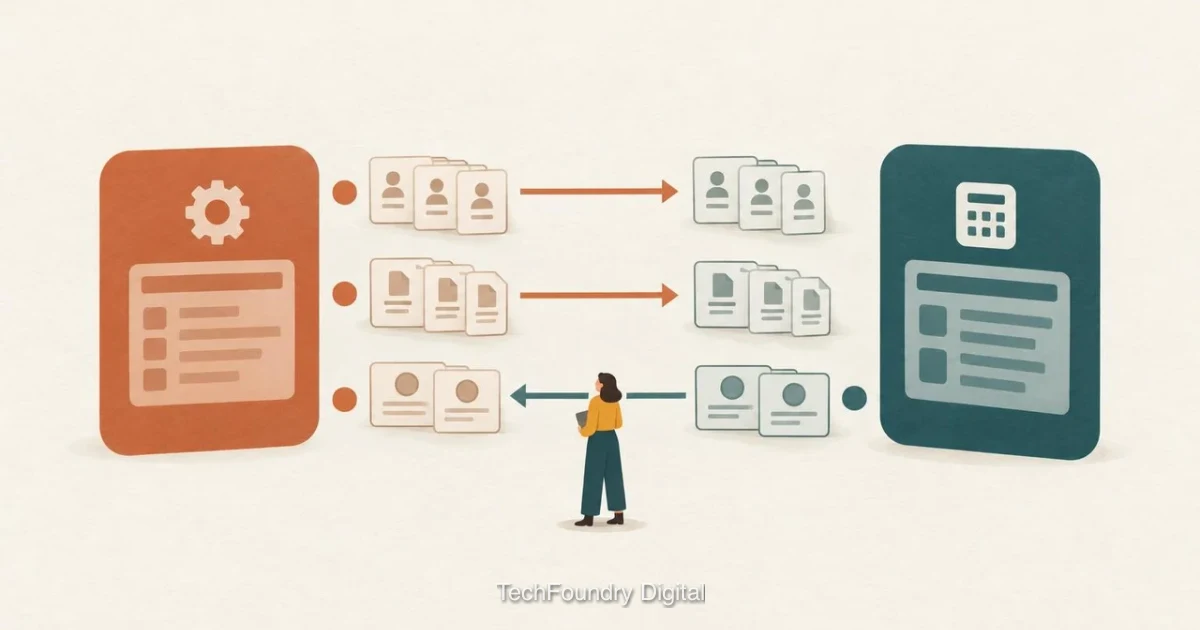
TechFoundry Digital builds QuickBooks integrations for custom software and operations tools. We have worked with both QuickBooks Online and QuickBooks Desktop, so the platform you run today doesn’t limit the project. This page is for operations, finance and IT leads whose business software and accounting records need to stay in step without re-keying data. Before any code, we agree which system owns each record, so your books and your operational software don’t disagree.
What an accounting integration does, and what it doesn’t
An accounting integration moves records between QuickBooks and your operational systems without retyping, and keeps both sides in agreement. It doesn’t fix a process nobody has written down. It copies that process faster.
Where the mess starts
The mess starts when QuickBooks and your operations tool both think they own the same record. Say an invoice is created in your operations tool and later edited in QuickBooks. Without a rule for which edit wins, the totals drift, and someone spends month-end finding out why.
Start with the source of truth
We decide which system owns each record before we connect anything. For each record type, such as customers, invoices and payments, the contract names one owner. The other systems read from that owner or send changes back through agreed steps.
Here is an illustrative example. Your own table depends on how your business runs, and we settle it with you before building.
Record | Owner | Other systems |
|---|---|---|
Customers | Operations tool | QuickBooks receives a copy; changes made in QuickBooks are flagged for review |
Invoices | Operations tool creates them | QuickBooks holds the accounting record |
Payments | QuickBooks | Operations tool reads the status |
The point of the table is that no record has two owners. When two systems can both edit the same field, they eventually disagree, and someone has to untangle it by hand.
How we build the connection
We build in three steps: agree who owns each record, connect the systems, then test. Each step ends with something you can review.
Agree who owns each record. You get a written ownership list for each record type: customers, invoices, payments, vendors and so on. It names which system creates a record and which one only reads or updates it. You mark it up before we write any code.
Connect the systems. For QuickBooks Online, the connection uses Intuit’s REST API with OAuth 2.0, as described in Intuit’s QuickBooks developer documentation. For QuickBooks Desktop, it uses the integration route that product supports, such as the Web Connector or file import and export. Our team has delivered work on both Online and Desktop. You can review a working interface in a test environment, with sample records moving in both directions.
Test. You get a written test record covering the normal path and the failure cases. The normal path is a new invoice created in your software appearing in QuickBooks with the right amounts. The failure cases are a rejected record, a dropped connection and a retry. Each case lists what we did, what happened and what we changed.
Duplicate and conflicting records
We define record identifiers, duplicate handling and reconciliation rules up front. Then we test failure and retry scenarios alongside the normal workflow. A QuickBooks sync that only works when nothing goes wrong isn’t finished.
When a system has no modern API
We first assess the supported export, import and integration options. Before you commit to an approach, we tell you about access limits and what each option will cost to maintain, so there are no surprises later.
What we need from you
We need three things from you before work starts. We have built against both QuickBooks Online and QuickBooks Desktop, so the details below depend on which one you run.
Access to your systems
QuickBooks: an admin-level user in QuickBooks Online, or admin access to the company file in Desktop. Say which you use, and whether you run both. We also need the name of whoever can approve connecting a third-party app to your books. In Online, that is usually the primary admin.
The other system: admin or API access to the software on the other side of the connection (your custom system, a CRM, a payroll or HR tool). If that system is ours to build or change, we need a test environment.
A sandbox or test company file: a copy of your books, or a QuickBooks sandbox company. We run the first syncs there, so live records are never touched while we test.
Please arrange credentials ahead of the kickoff.
Someone who can decide which system wins
When the two systems disagree about a customer name, an invoice total or a vendor record, one of them has to be treated as correct. We need a named person who can make that call, not a committee. This question comes up in every project, so we ask for the decision-maker up front. Your finance lead or controller is often the right choice, but it can be an operations head if the data starts on their side.
A definition of “reconciled”
Tell us what has to match, and how often. A few examples of how that can look:
Daily: invoices created in your software appear in QuickBooks by the next morning, and payments recorded in QuickBooks show back in your software.
Weekly: timesheet or payroll totals in your system match what was posted to the books.
Month-end: balances and totals agree before your accountant closes the period.
The tighter the schedule, the more we build around catching and flagging mismatches as they happen. If you are unsure, tell us what your accountant checks at close and work backward from there. We can confirm the right frequency with you at kickoff.
Who signs off
One person on your side approves the field mapping (which data goes where) and the reconciliation rules before we build against them. That is typically the same finance or operations lead who settles disputes between the systems. Having a single sign-off keeps changes from stalling in review.
Where a person stays in charge
The integration registers and syncs; people decide on exceptions. Every accounting integration we build comes with a sync log a non-engineer can read and a way to pause the sync. When a record conflicts or fails a rule, it goes to a person instead of being overwritten.
Other platforms we work around
If you use Xero, Sage, NetSuite or something else, we’ll assess it case by case. We start with two questions: what does the product expose through an API or export, and what access can you give us? The answer decides whether a clean integration is realistic or whether you’d be better served by a scheduled file exchange.
We have built against both QuickBooks Online and QuickBooks Desktop, and we build to Intuit’s own developer documentation rather than guessing at behavior.
FAQ
Do you integrate with QuickBooks or other accounting software we already use?
We integrate with QuickBooks Online and Desktop, and our current site names QuickBooks alongside AWS, Google Cloud and Microsoft. For other accounting tools, we assess your products, access, APIs and requirements first.
Can you connect accounting software that has no modern API?
We first assess the supported export, import and integration options. We then tell you about access limits and maintenance tradeoffs before you commit.
How do you stop duplicate or conflicting records between QuickBooks and our other systems?
We define record identifiers, ownership, duplicate handling and reconciliation rules up front. Then we test failure and retry scenarios, not only the normal path.
What do you need from us before you start?
Access and credentials for the systems, arranged before work begins. You also need someone who can decide which system is the source of truth, and a view of what must reconcile and how often.
Does every accounting integration need AI?
Not always. A rule-based QuickBooks sync, such as invoices from your operations tool, is often enough. We add AI where interpreting language or documents adds value, such as reading incoming documents. If your process fits a clear rule, a workflow automation is simpler and easier to check.
To scope your QuickBooks integration, book a 30-minute call through our system integration page.
Put the idea to work
Have a workflow ready for AI or software?
Show us the process, the systems it touches and the decisions people need to keep. We will help define a useful first release.

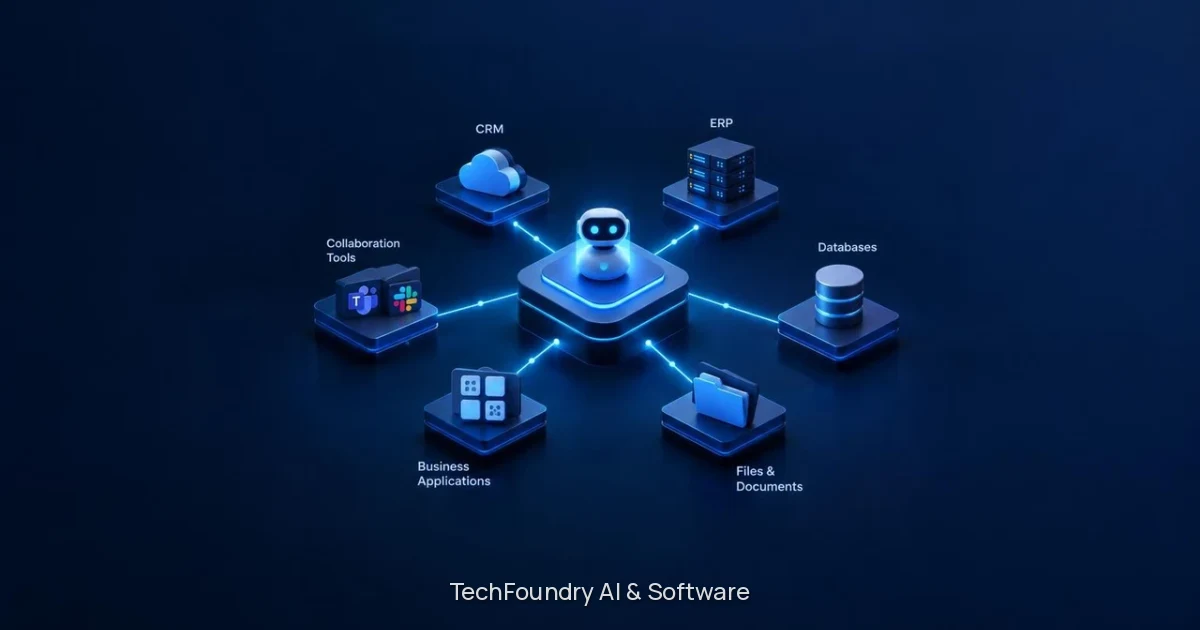
Join the conversation
Comments are reviewed before they appear. Your email address will not be published.